Modern Applications
The XIA Links Client makes it easy to create shortcuts to modern applications.
As a system administrator, simply drag the modern application to the shortcut viewer.
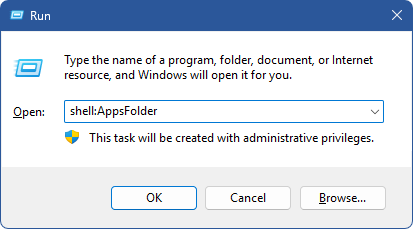
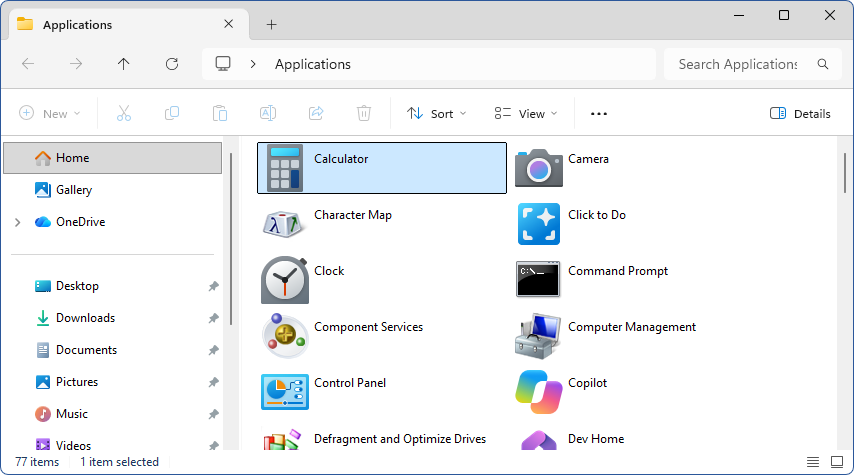
To access all modern applications execute the command shell:AppsFolder.
Drag and drop the application to the Desktop to create a shortcut.
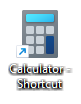
The shortcut can then be dragged into the XIA Links Client application.
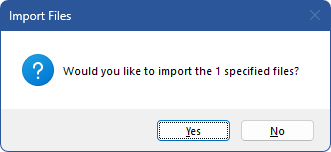
When prompted click Yes.
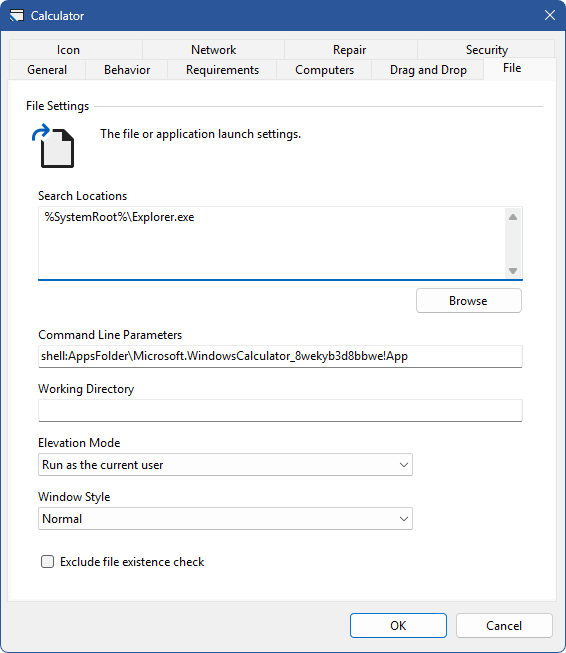
A new file or application shortcut is created, and the file settings configured automatically.
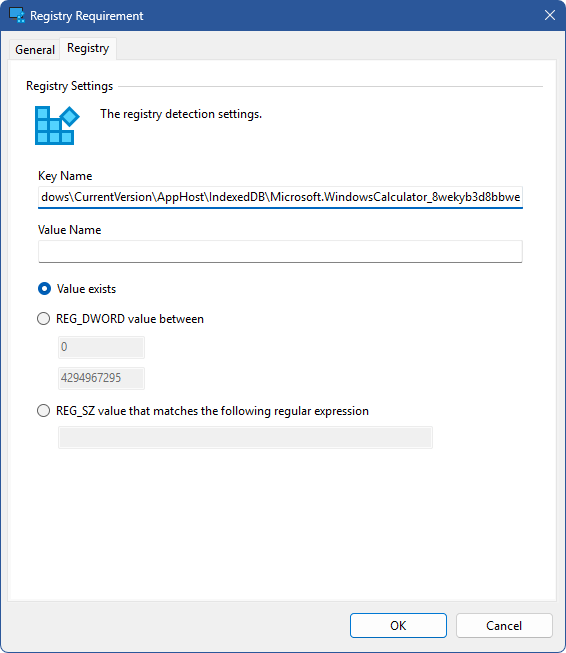
A new registry requirement is created and configured automatically to ensure that the modern application is available on the client machine.