
Navigation
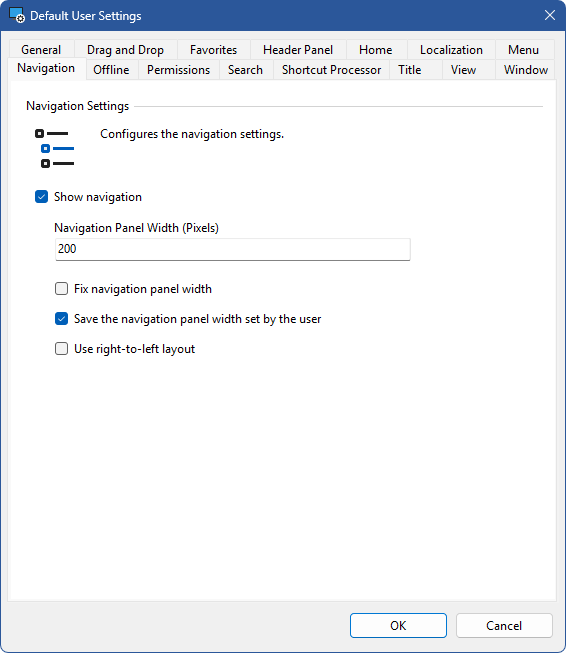
Show navigation
Determines whether the navigation panel is displayed to the user at start-up. The visibility of the navigation panel can be toggled by the user if enabled in the menu settings.
Navigation Panel Width (Pixels)
Determines the width of the navigation panel at start-up in pixels. The value must be at least 100 pixels.
Fix navigation panel width
Determines whether the width of the navigation panel should be fixed.
Save the navigation panel width set by the user
Determines whether the width of the navigation panel set by the user should be saved to the user registry settings when the user closes the XIA Links Client application.
Use right-to-left layout
Determines whether the navigation should display in right-to-left layout. For this to be effective the "Use right-to-left" setting must be enabled in the localization settings.